File Formats and Extensions
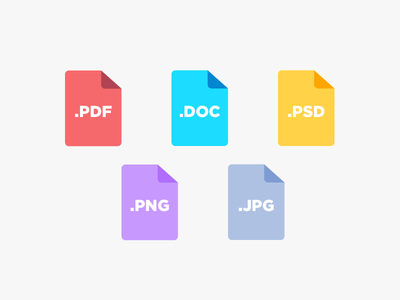
In common usage, a computer file is an individual item stored on a computer. A file can usually be opened for viewing or editing by double-clicking on the icon or filename in a folder or on a desktop. An icon is the small image above or next to the filename that shows the type of file.
File Formats and Extensions
The file format is the structure or layout of information as it is stored in a computer file. File formats differ according to the types of information stored, and the type of file is indicated by the file extension in the filename, which appears after the dot, such as mydocument.docx . Some computers are set by default to hide the file extension, as the icon generally shows you the type, but it is useful to change this setting in order to make the file type visible when icons are not being displayed.
There are as many different file formats as there are different programs to process the files. A few of the more common file formats are:
-
MS Office documents: .docx, .pptx, .xlsx
-
Web pages: .htm or .html
-
Images: .jpg or .png or .gif etc
-
Portable Document Format files: .pdf
-
Executable programs: .exe
-
Multimedia files: .mp3 or .mp4 or .wav etc
Before opening a file, a computer program first checks the file extension to make sure the type of data can be recognised and accessed within the file. For example, a web browser processess and displays a file in the .html file format so that it appears as a web page, but it cannot display a file in a format designed for creating and editing Adobe Illustrator files (.ai). That said, many programs can process a range of file types, depending on what you wish to do with them: a web browser will be able to open an image file (.jpg) to view, but not to edit.
Operating Systems
Another thing to keep in mind is the difference in operating systems (OS), the system software that supports a computer's basic functions. The operating system on whatever device you use -- whether Windows, Apple/Mac, Android, Linux, Google or any other system -- will affect your access to files, software and apps. Some are only accessible for certain operating systems while others will work differently or require that you install the software specific to your OS. You should know which OS -- and which version -- you have running on your device and keep it updated.
If you ever contact IT support for assistance, they will almost certainly need to know your device and your OS.
"If you don't know how to do something, try looking on on the internet for instructions or ask for help." Naz, 1st year student.