Saving and Storing
Local storage
We all know that keeping a tidy desk can make work easier to manage and more efficient -- not surprisingly, this is also true of your computer. In Unit 4, we talk about organising your work and using appropriate tools for study, but in this section the focus is on your computer files.
In general, you should pay attention to:
- what you name your files
- where you save your files
- using folders and organising structures
- saving your document or project often while you're working
- backing up your data files on an external drive or the cloud (see below).
Browse this excellent advice from the University of Cambridge on managing computer files: Organising your data
We talk about protecting your computer -- and your data -- in Unit 3.
Cloud storage
If you use more than one computer, or have a smartphone as well as a PC, you've probably experienced the hassle of trying to share your files across them. But don't worry, there's a solution to this problem, and it comes in the form of the cloud.
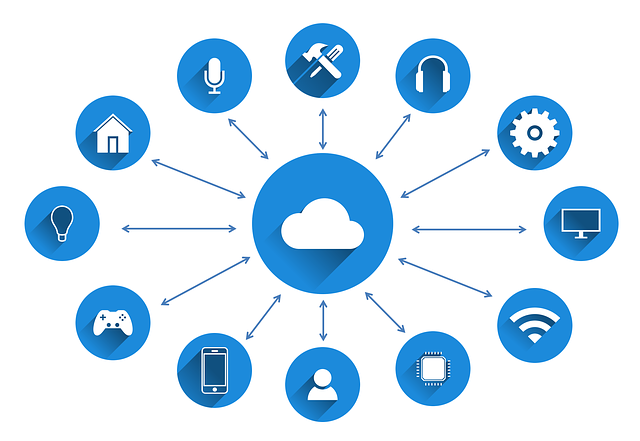
"The Cloud" refers to various services where information and files are kept on servers connected to the internet. This means that instead of keeping them on a single computer that you have to stay at, any device you use that's online can access the same files. Cloud storage also lets you share files with others, by giving them permission to read, edit and/or save your files and folders.
In terms of losing your work, cloud storage is safer for storing your files -- especially your back ups -- because the cloud services themselves back up all of the data stored on them in many different ways. Your files are less likely to get lost or corrupted than storing them locally. Just be sure you remember your login and password!
This video from Mashable explains how it works and also introduces you to some popular services, such as:
"Be comfortable with your own device, and back up your files every single week without exception!" Will, 1st year student